📲 How to Optimize Your Instagram Profile for Real Estate Success
Because a well-built IG = more eyeballs, more leads, and more trust.
1. Use a Clear, Close-Up Profile Photo
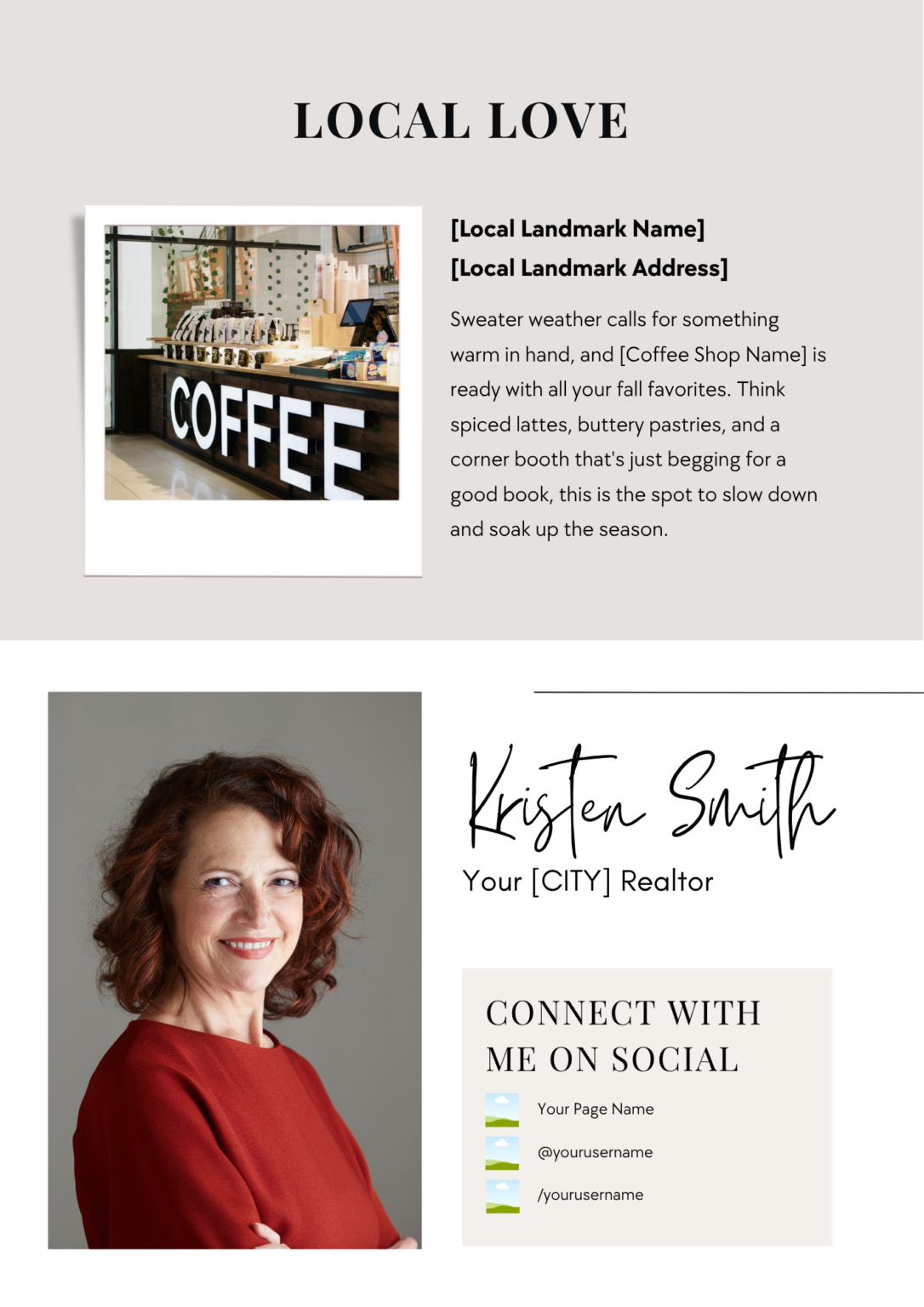
Your face is your brand. Choose a clean, professional headshot with a plain background so it stands out in the scroll.
2. Fix Your Name + Username (They’re Not the Same!)
3. Choose a Category That Makes It Obvious
Tap “Edit Profile” > “Category” > and choose something like Real Estate Agent, Property Consultant, etc. This instantly tells visitors what you do.
4. Make Your Bio Work for You (You’ve Got 150 Characters—Make ‘Em Count)
Tell them who you help and how you help them
Highlight a unique trait or personality
Add credibility with something you’ve achieved
Keep it clear, not cluttered. Bonus points for emojis 🔑🏡
5. Add a Call-to-Action (CTA)
Tell people what to do next: “Download my free home buyer checklist” or “Send me a DM to start your search.”
6. Use the Link in Bio Strategically
This is the only clickable link you get. Use it wisely:
Link to your website or current promo
Or use a tool like Linktree, Stan Store, or Canva Bio Links to share multiple links
7. Pin Your Best Posts to the Top of Your Grid
Think: testimonials, local guides, intro post, client wins. Tap the 3 dots on a post → “Pin to your profile.” This gives new visitors an instant taste of your value.
8. Create Story Highlights That Show Off Your Brand
Use highlights like: About Me, Buyer Tips, Listings, Testimonials, or Neighborhood Tours. Keep the cover images clean and branded.
9. Check These Bonus Settings
✔️ Public Profile: Tap the 3 bars > Settings & Privacy > Account Privacy > Make sure it’s public.
✔️ Add Contact Options: Tap “Edit Profile” > “Contact Options” → Add your phone, email, etc.
✔️ Connect to Facebook Page: Edit Profile > Page → Link your FB Business Page.
✔️ Switch to a Business/Professional Account: 3 bars > Settings > Account Type > Switch to Professional → This unlocks insights + scheduling tools.